
Razer Basilisk V3 Customizable RGB Wired Ergonomic Gaming Mouse Review — Is It Worth Buying?
The Razer Basilisk V3 Customizable RGB Wired Ergonomic Gaming Mouse in White is designed for gamers who want more than a basic two-button mouse. It combines 11 programmable buttons, a 26,000 DPI optical sensor, Razer HyperScroll Tilt Wheel, 11 Chroma RGB lighting zones, second-generation optical switches, and an ergonomic right-handed design.
For gamers who play a wide range of titles—or anyone who wants extra shortcuts for productivity—the Basilisk V3 offers a feature-rich setup without moving into the more expensive wireless category.
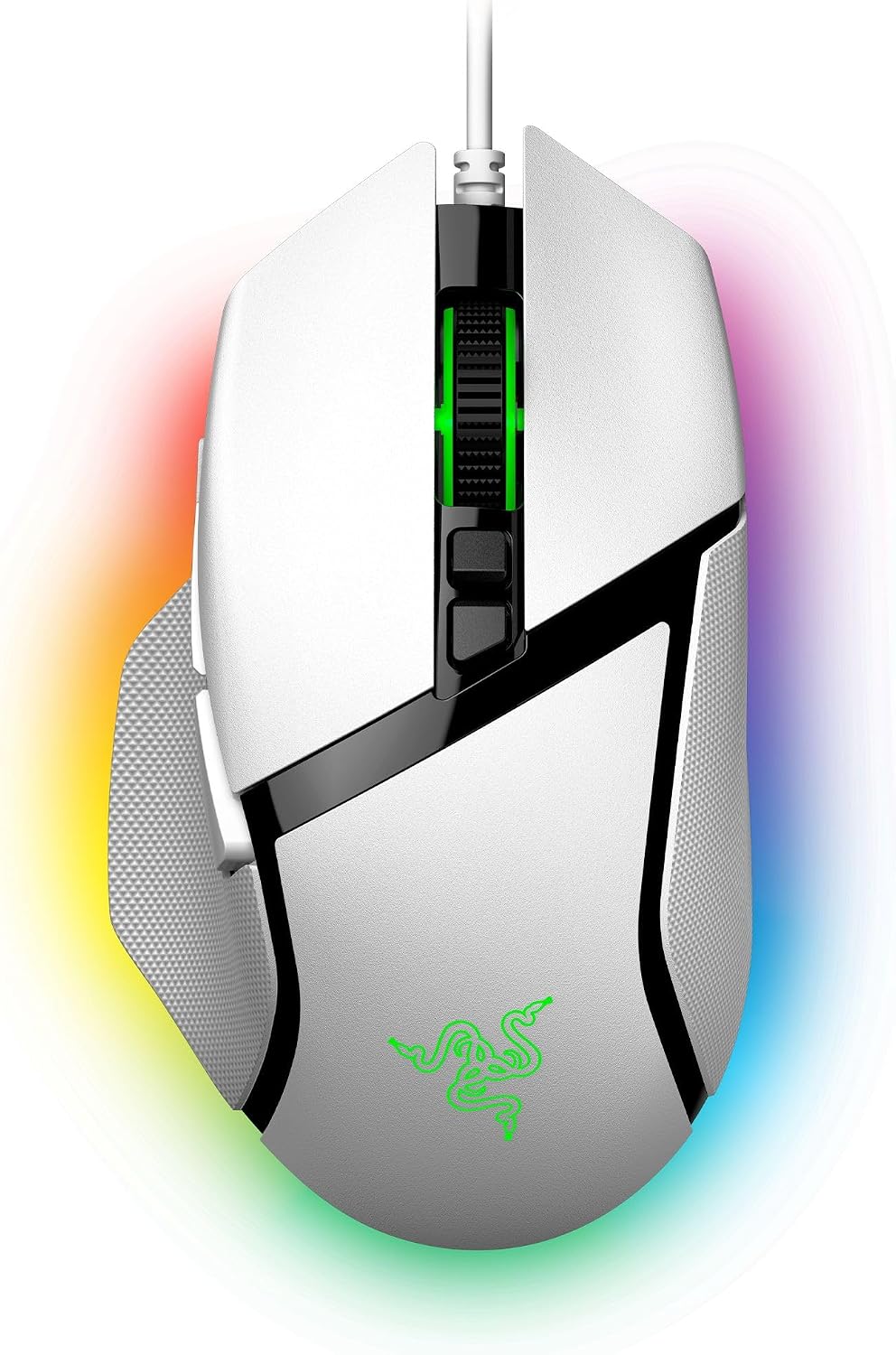
Product at a Glance
| Feature | Razer Basilisk V3 |
|---|---|
| Product Type | Wired ergonomic gaming mouse |
| Sensor | Razer Focus+ Optical Sensor |
| Maximum DPI | 26,000 DPI |
| Maximum Speed | 650 IPS |
| Maximum Acceleration | 50G |
| Programmable Buttons | 11 |
| Scroll Wheel | 4-way HyperScroll Tilt Wheel |
| Scroll Modes | Notched + Free-Spin |
| Switches | 2nd-gen Razer Optical Mouse Switches |
| Switch Rating | Up to 70 million clicks |
| RGB | 11 Razer Chroma RGB lighting zones |
| Onboard Profiles | 5 |
| Connectivity | Wired USB |
| Cable | Razer Speedflex |
| Weight | 101 g / 3.56 oz, excluding cable |
| Grip/Design | Right-handed ergonomic |
| Feet | 100% PTFE mouse feet |
Razer Basilisk V3 Review
1. 11 Programmable Buttons for Serious Customization
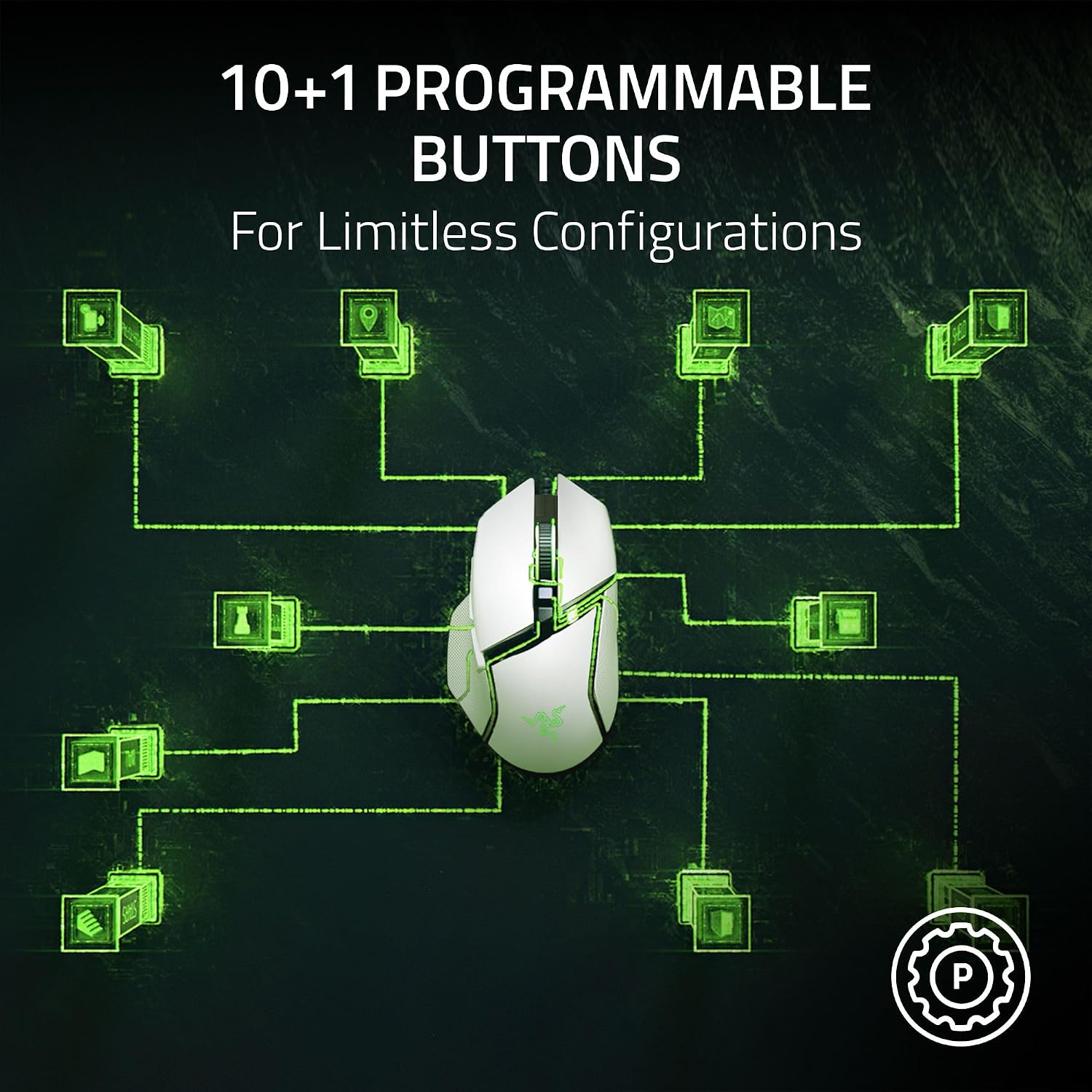
One of the biggest advantages of the Basilisk V3 is its 10+1 programmable button layout.
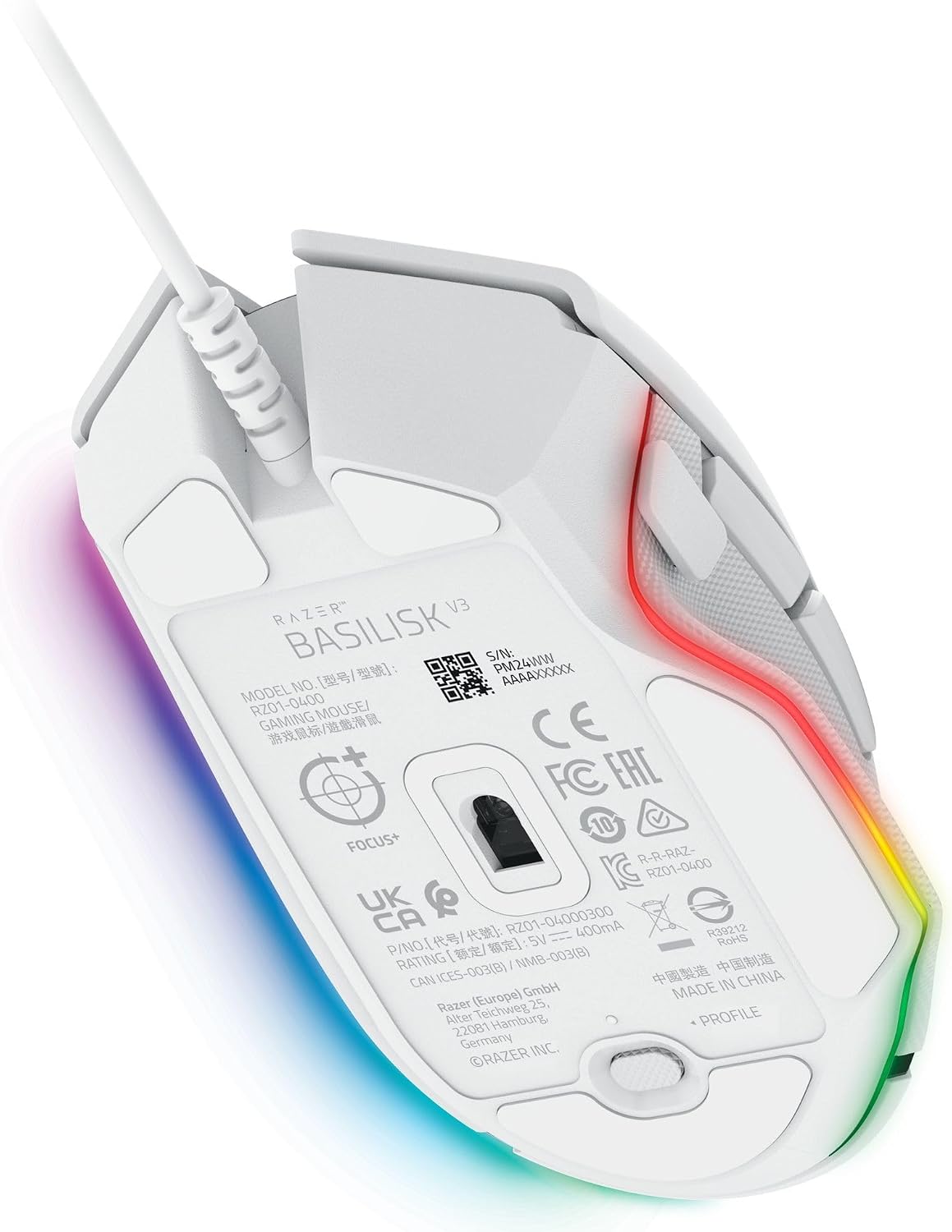
Razer allows users to assign macros, secondary functions, push-to-talk commands, pings, shortcuts, and other actions to the mouse buttons. The mouse also includes a programmable button underneath for switching profiles.
That flexibility makes the Basilisk V3 particularly appealing for:
- FPS gaming
- MOBA gaming
- RPGs
- MMOs
- Video conferencing
- General productivity
- Applications such as Excel and creative software
Why This Matters
Extra buttons can reduce the amount of time you spend reaching for your keyboard. In games, that can make frequently used actions easier to access, while in everyday work they can be assigned to shortcuts.
Verdict: Excellent choice for users who prioritize customization.
2. HyperScroll Tilt Wheel Makes Scrolling More Versatile
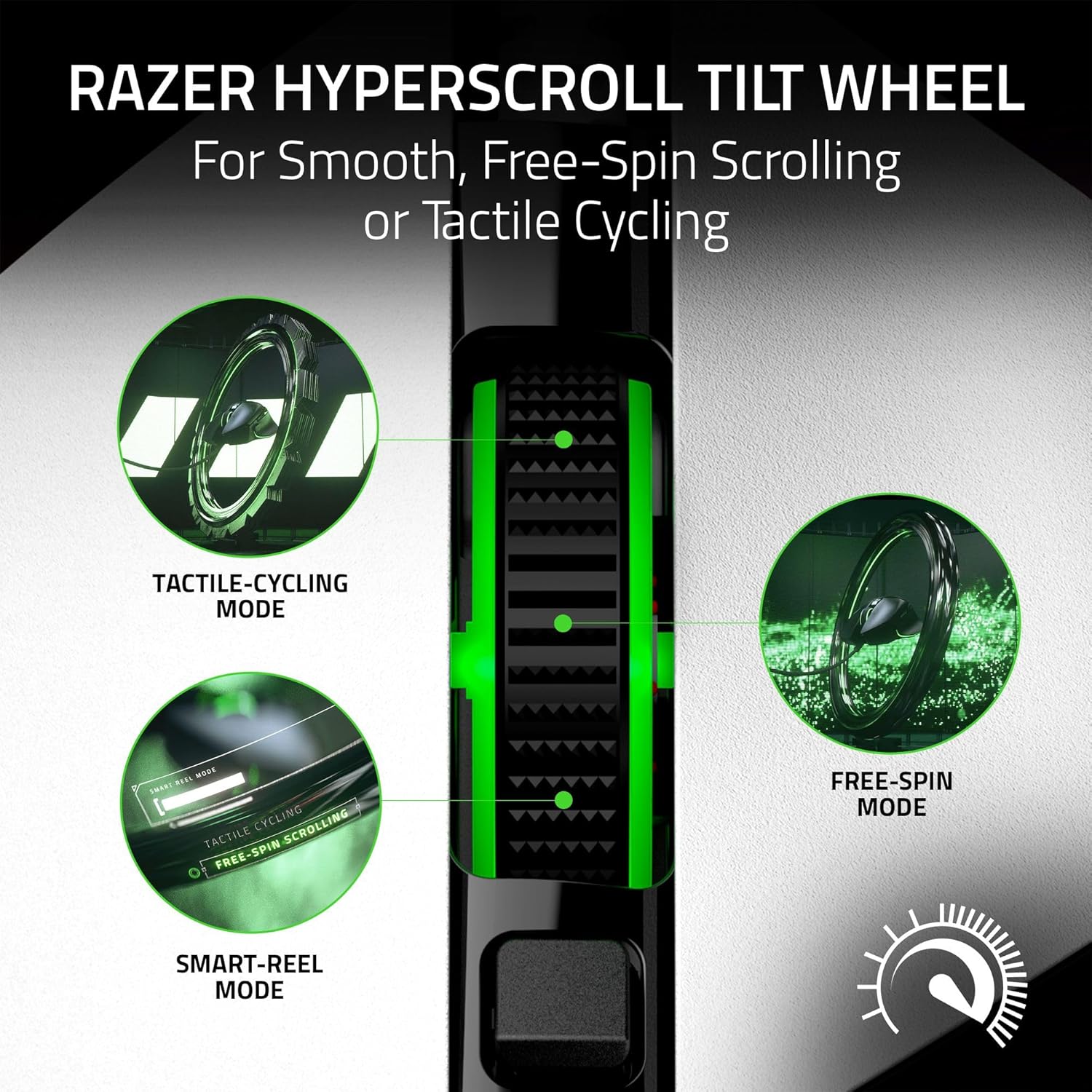
The Razer HyperScroll Tilt Wheel is another standout feature.
The wheel supports 4-way movement and electronically switches between tactile/notched scrolling and free-spinning scrolling.
Tactile Mode
The notched mode gives you controlled scrolling, which can be useful when you need precise movement.
Free-Spin Mode
Free-spin scrolling is better suited to moving rapidly through long documents, web pages, spreadsheets, or other large amounts of content.
This feature is useful beyond gaming because the mouse can easily transition between gaming controls and everyday desktop use.
3. Focus+ 26K DPI Optical Sensor
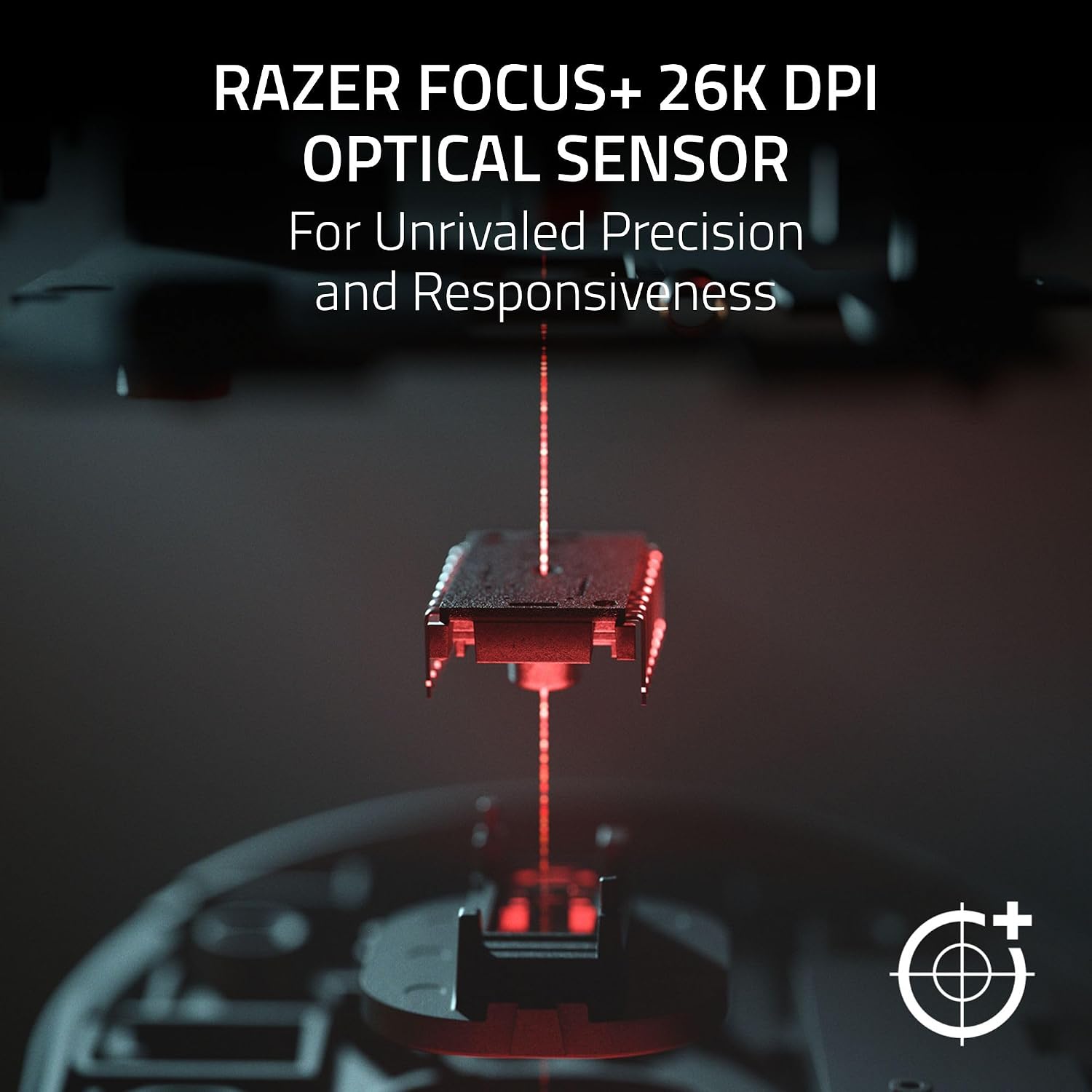
The Basilisk V3 uses a Razer Focus+ optical sensor with up to 26,000 DPI, along with a maximum tracking speed of 650 IPS and up to 50G acceleration.
The sensor is built for responsive and accurate tracking, making it suitable for both fast gameplay and precision-focused tasks.
For normal desktop use, most people won't need anything close to 26,000 DPI. The benefit is the sensor's high-performance headroom rather than simply running at maximum sensitivity.
Best For
Players who want:
- Precise aiming
- Fast cursor movement
- Adjustable sensitivity
- Consistent tracking
- A high-performance gaming sensor
4. 2nd-Generation Optical Mouse Switches
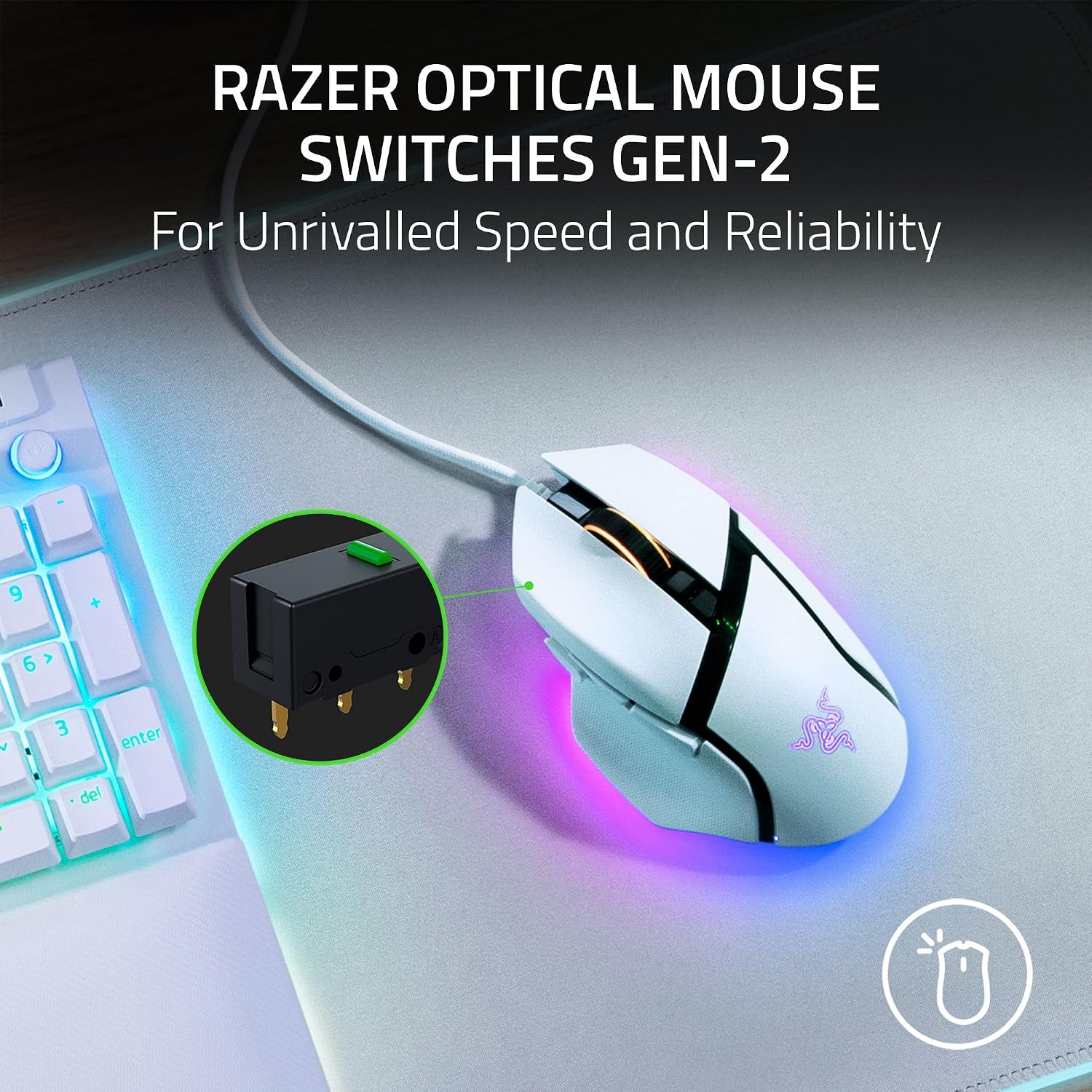
Razer equips the Basilisk V3 with 2nd-generation Razer Optical Mouse Switches, rated for up to 70 million clicks. Razer also describes an actuation speed of 0.2 ms for the switches.
Optical switches are designed to reduce the mechanical contact associated with traditional switches while providing fast actuation.
For gamers who spend hours clicking, the high rated lifecycle is an appealing durability feature.
5. 11-Zone Razer Chroma RGB Lighting
RGB is a major part of the Basilisk V3's visual appeal.
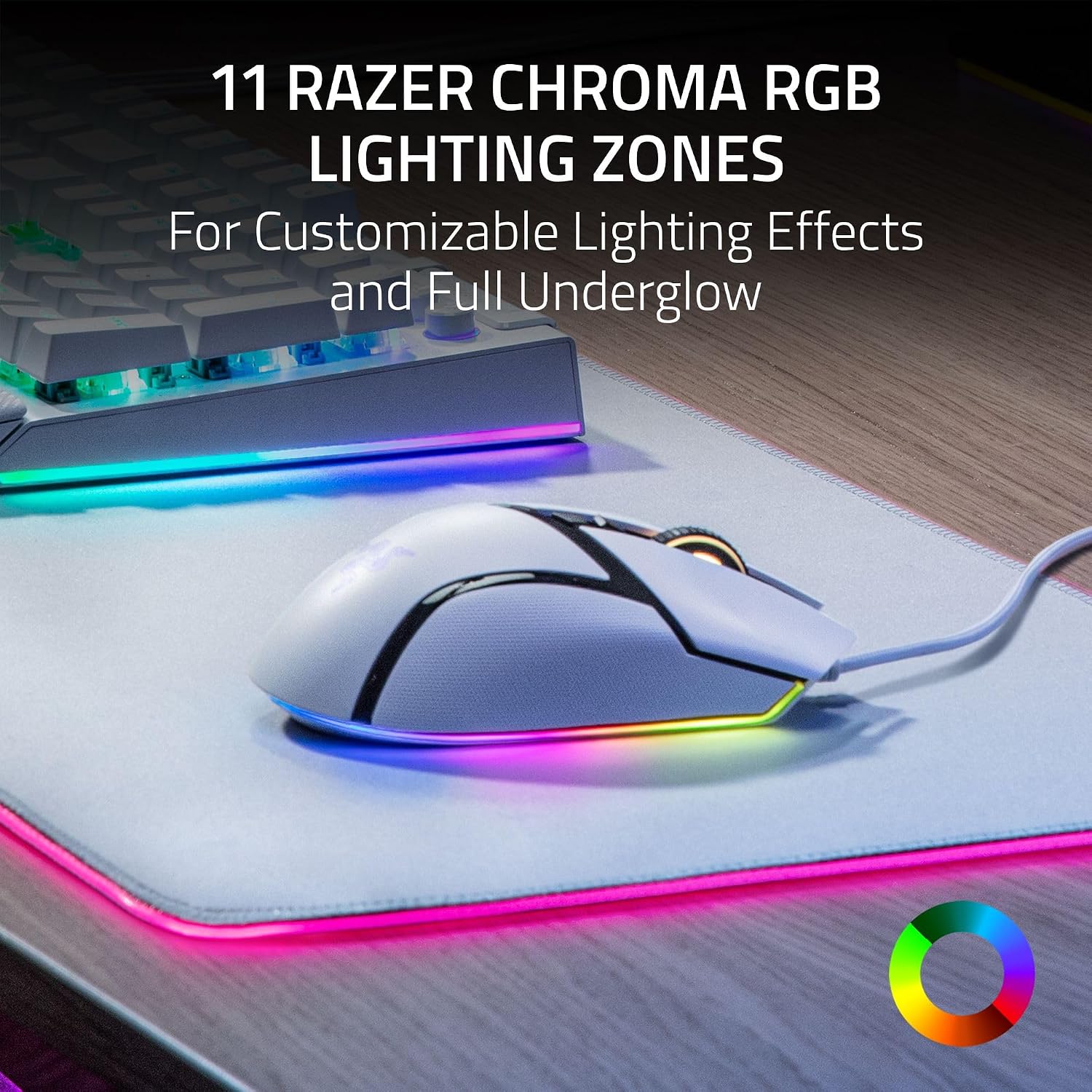
The mouse features 11 Razer Chroma RGB lighting zones, including an illuminated underglow. Razer says the lighting supports customizable colors and effects, with Chroma integration extending to compatible games and devices.
The white finish combined with RGB lighting gives this version a particularly clean gaming-desk aesthetic.
RGB Is More Than Decoration
Using Razer Synapse, users can customize lighting effects and coordinate the mouse with other Chroma-enabled devices.
For anyone building a matching RGB setup, this is a major selling point.
6. Ergonomic Right-Handed Design
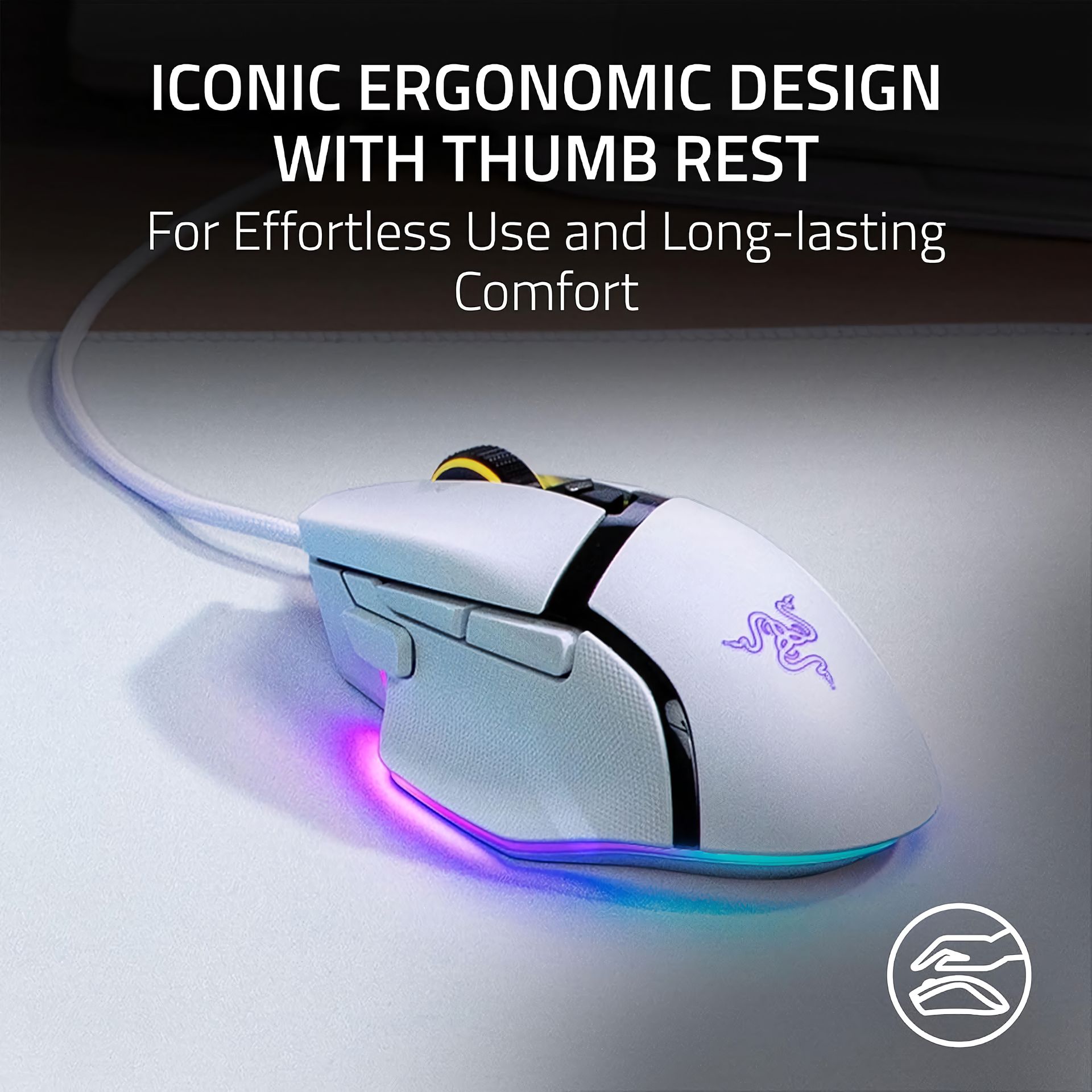
The Basilisk V3 is built specifically for right-handed users and features an ergonomic shape with a thumb-rest area. Razer lists its dimensions at approximately 130 × 75 × 42.5 mm and its weight at 101 grams without the cable.
The shape is intended to provide a substantial hand-filling feel rather than the extremely lightweight design found on some competitive FPS mice.
Who Will Like the Shape?
This design is especially appealing to users who prefer:
- A larger mouse
- A pronounced palm shape
- Dedicated thumb support
- Lots of accessible buttons
- A traditional ergonomic gaming profile
Users who specifically want an ultra-light mouse may prefer a different design.
7. Five Onboard Memory Profiles
The Basilisk V3 supports up to five onboard memory profiles.
This is useful when you regularly switch between different games or applications.
For example, you could configure different button layouts for an FPS, an MMO, and everyday productivity without having to use one identical setup for everything.
Razer Basilisk V3 Pros and Cons
Pros
Highly customizable: 11 programmable buttons provide a lot of flexibility.
Excellent sensor: The 26K DPI Focus+ optical sensor offers high-end tracking capability.
Useful scroll wheel: The HyperScroll wheel provides tactile and free-spin modes plus 4-way tilt functionality.
Great RGB implementation: 11 Chroma RGB lighting zones create a strong visual effect.
Durable switches: The optical switches are rated for up to 70 million clicks.
Comfort-focused design: The right-handed ergonomic shape and thumb-rest design suit users who prefer a more substantial mouse.
Cons
Wired only: There is no wireless connection or battery operation.
101 g weight: Competitive FPS players looking for an ultra-light mouse may find it relatively heavy.
Right-handed design: Left-handed gamers will need another option.
Lots of features can take time to configure: Getting the most out of 11 buttons and multiple profiles requires some setup.
Who Should Buy the Razer Basilisk V3?
The Basilisk V3 makes the most sense for gamers who want customization, comfort, and versatility in one mouse.
It's particularly well suited to players who regularly switch between different genres and need extra programmable controls.
It's also a strong desktop mouse for people who want gaming-grade tracking alongside productivity-friendly features such as free-spin scrolling and programmable shortcuts.
Great Choice For
PC gamers: Especially players who want many programmable controls.
MOBA/MMO players: Extra buttons can be extremely useful for abilities and shortcuts.
Casual and competitive gamers: The sensor provides plenty of performance headroom.
Productivity users: Programmable controls and free-spin scrolling can be useful outside gaming.
RGB enthusiasts: The 11-zone Chroma implementation works well with a full RGB setup.
Consider Something Else If
You want a wireless mouse, an ultra-light competitive FPS mouse, or a left-handed design.
Razer Basilisk V3 vs. a Basic Gaming Mouse
The biggest difference isn't simply DPI.
A basic gaming mouse may provide good tracking, but the Basilisk V3 combines its sensor with 11 programmable buttons, onboard profiles, a multi-mode scroll wheel, optical switches, PTFE feet, and extensive RGB customization.
That makes it more of a customizable control center than a simple pointing device.
Is the Razer Basilisk V3 Worth It?
Yes—especially for gamers who value customization.
The Basilisk V3 remains compelling because it doesn't focus on just one specification. Instead, it combines a high-performance sensor with a large number of programmable controls, a versatile scroll wheel, ergonomic construction, and extensive RGB customization.
Its biggest trade-off is the wired design and 101 g weight. For gamers who prefer lightweight wireless mice, it may not be the ideal choice.
For everyone else, particularly users who want one mouse for gaming and everyday PC use, the Basilisk V3 is a very capable option.
Where to Buy the Razer Basilisk V3
You can check the latest availability, color options, and current pricing on Amazon:
👉 Check the Razer Basilisk V3 on Amazon
Affiliate disclosure: This article may contain affiliate links. GearHavenly.com may earn a commission if you purchase through a qualifying link, at no additional cost to you.
Frequently Asked Questions
Is the Razer Basilisk V3 wireless?
No. The Basilisk V3 is a wired USB gaming mouse and uses Razer's Speedflex cable.
How many buttons does the Basilisk V3 have?
It has 11 programmable buttons, marketed by Razer as 10+1 programmable buttons.
What is the maximum DPI?
The Focus+ optical sensor supports up to 26,000 DPI.
Does it have RGB?
Yes. It includes 11 Razer Chroma RGB lighting zones with customizable effects.
Is the Basilisk V3 good for FPS gaming?
Yes, especially if you like an ergonomic mouse with numerous programmable controls. However, its 101 g weight may not appeal to players specifically seeking an ultra-light FPS mouse.
Is it good for productivity?
Yes. The programmable buttons and HyperScroll wheel can be useful for shortcuts, navigation, documents, and other desktop tasks. Razer itself highlights use cases beyond gaming, including video conferencing and Excel.